Thoughtful design. Strong brands. Creative solutions tailored to your goals!
Designed and built responsive, user-focused websites and digital assets for clients across a wide range of industries using WordPress, Elementor, and Adobe Creative Suite. Collaborated closely with clients to turn business goals into clear wireframes, prototypes, and effective design solutions. Created engaging websites, branding, and marketing materials that enhanced brand identity, improved user experience, and boosted engagement and conversions. Managed projects from concept through launch, ensuring quality, consistency, performance, and on-time delivery while staying up to date with modern design trends and web technologies.
WordPress, Elementor, responsive websites and landing pages.
Wireframes, user flows, layouts, prototypes and intuitive digital experiences.
Branding, brochures, presentations, marketing materials, social media and print.
Social media, email graphics, digital campaigns and promotional materials.
Project Type: Branding • Marketing • Graphic Design
Role: Brand Designer / Graphic Designer
Tools: Adobe Illustrator • Photoshop • InDesign • Figma • Canva
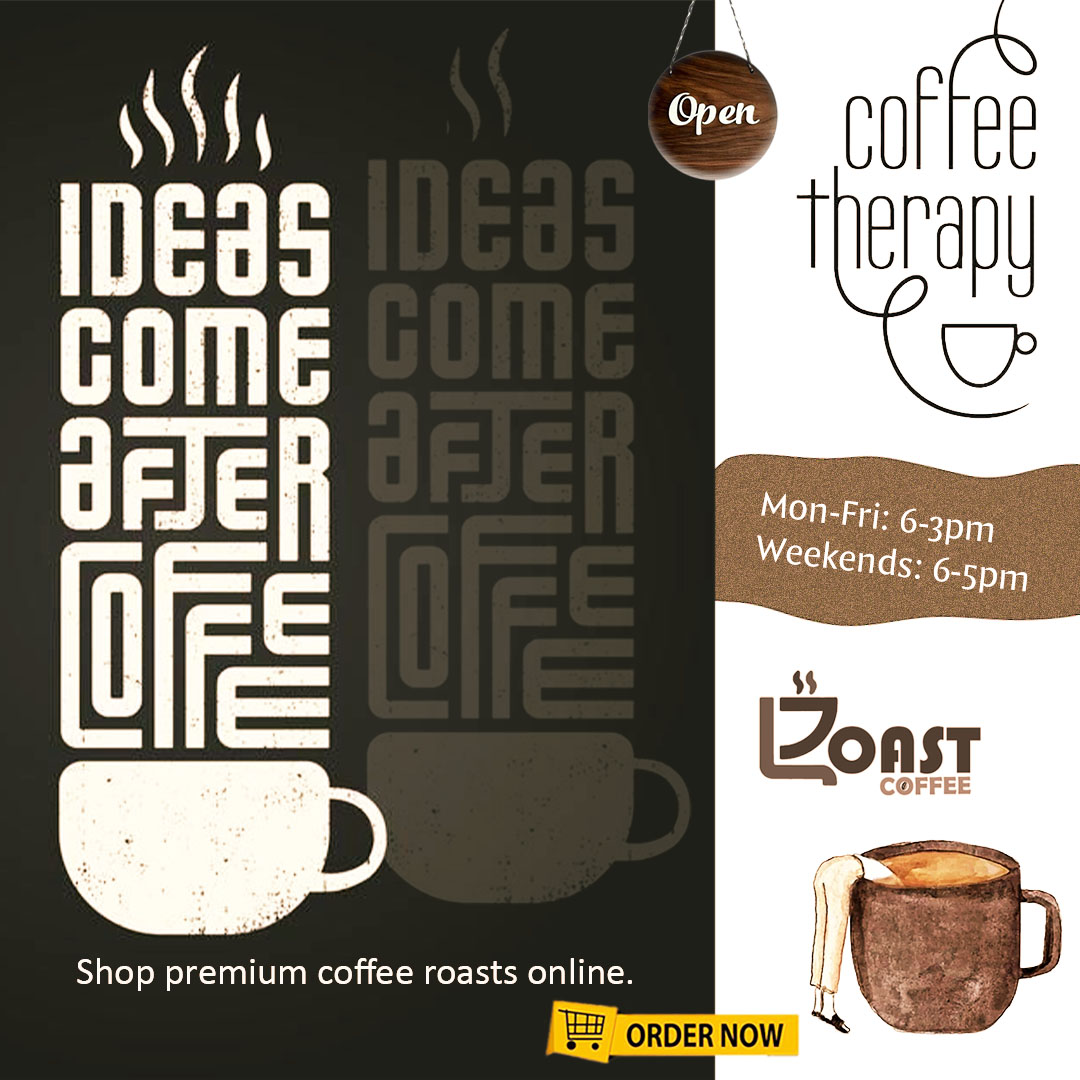
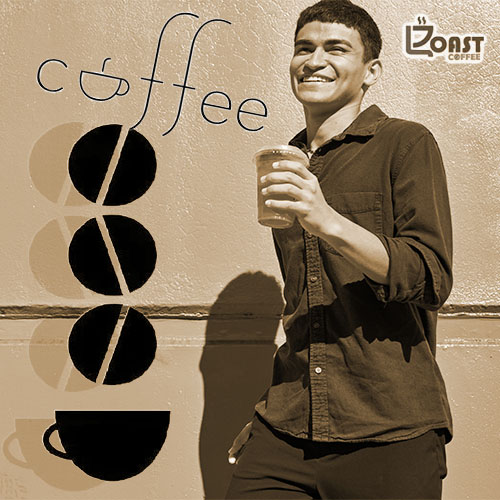
I developed a cohesive visual identity and marketing system designed to help a business present a professional, recognizable, and consistent brand across multiple communication channels. The project included establishing visual direction, refining the brand style, and creating marketing materials that could be used consistently across both digital and print environments.
The existing marketing materials lacked visual consistency. Different pieces used different layouts, typography, imagery, and visual treatments, making the overall brand feel fragmented.
The goal was to create a stronger visual system that would make the brand feel:
I was responsible for the creative direction and design execution, including:
I began by identifying the brand’s personality, audience, and communication goals.
I then created a visual direction that established:
Typography: Clean, readable typography with a clear hierarchy.
Color: A focused color palette that could work across print and digital applications.
Imagery: Photography and graphic elements selected to reinforce the brand personality.
Layout: A flexible grid system that allowed different marketing materials to feel connected while remaining visually interesting.
The new visual system created a more professional and cohesive brand presence while making future marketing materials easier and faster to produce.
Project Type: Marketing Campaign • Digital Design • Print Design
Role: Graphic Designer / Marketing Designer
Tools: Photoshop • Illustrator • InDesign • Figma
I created a coordinated marketing campaign designed to communicate a single message consistently across multiple platforms.
Marketing campaigns often require many different formats while maintaining a consistent brand.
The challenge was to create designs that could adapt to:
I started by establishing a strong visual concept that could scale across multiple formats.
I developed:
Rather than designing every piece independently, I created reusable visual components.
This allowed the campaign to remain recognizable while adapting to different dimensions and platforms.
The campaign created a consistent visual experience across digital and print touchpoints.
The design system improved consistency and made it easier to produce additional campaign materials efficiently.
Project Type: Digital Design • Template Design • UX/UI
Role: Senior Designer
Tools: Adobe Creative Suite • Photoshop • Illustrator • HTML/CSS
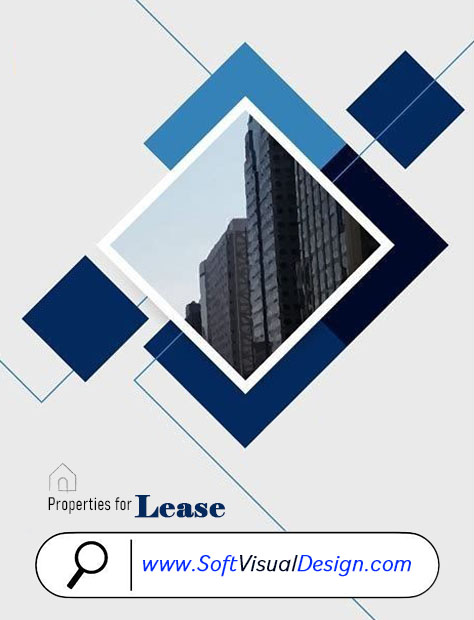
As a Senior Designer, I worked on the development of design templates for a large online platform.
The objective was to create visually engaging layouts that could accommodate different types of content while maintaining consistency and usability.
The platform required templates that could work across many different users and content types.
The designs needed to balance:
My responsibilities included:
I created flexible layouts using reusable design principles rather than creating one-off designs.
I focused on:
Hierarchy: Making the most important information immediately visible.
Flexibility: Designing layouts that could accommodate different content.
Consistency: Maintaining recognizable visual patterns across templates.
Usability: Ensuring that design decisions supported the user’s experience.
My work on template development contributed to my promotion to Senior Designer.
I was also recognized with awards including:
The resulting template system provided a scalable foundation for creating consistent digital experiences across the platform.
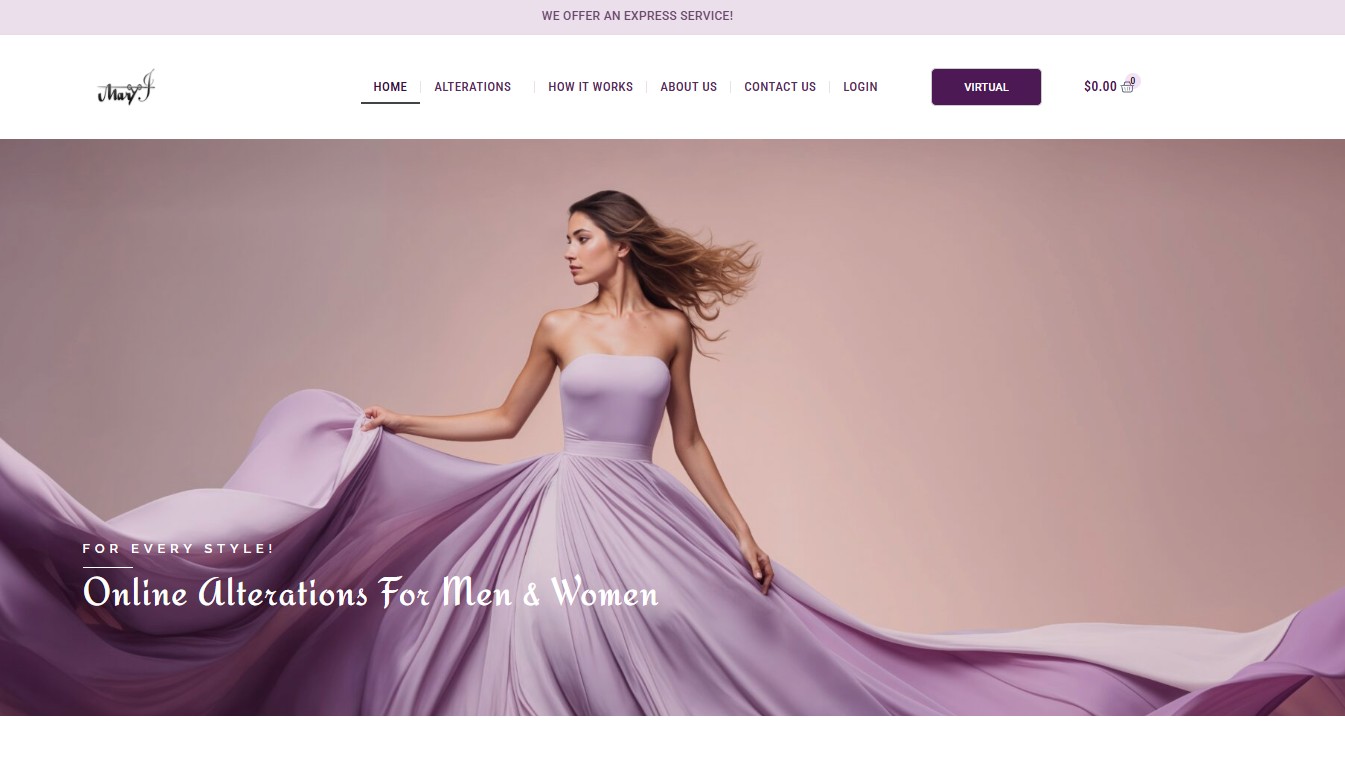
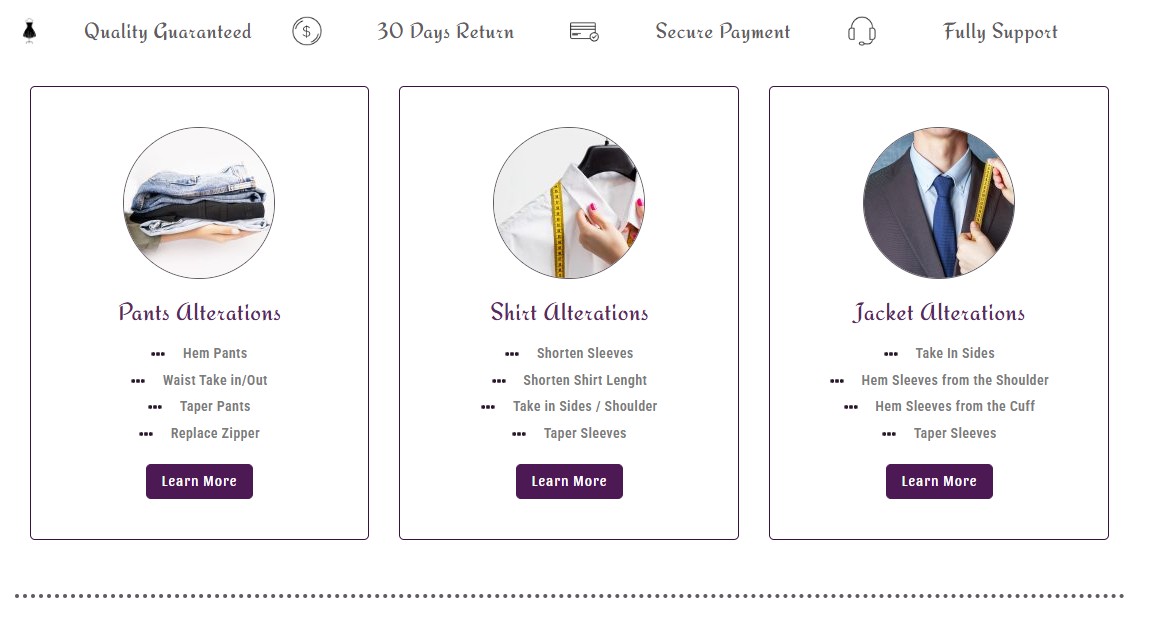
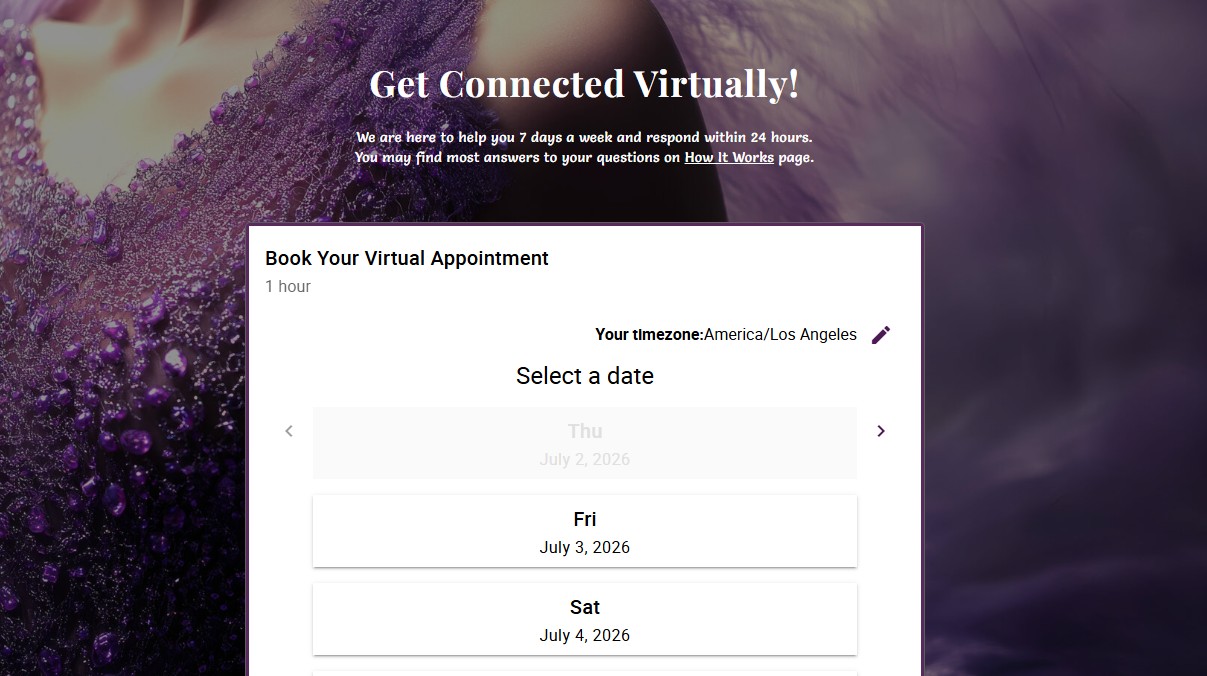
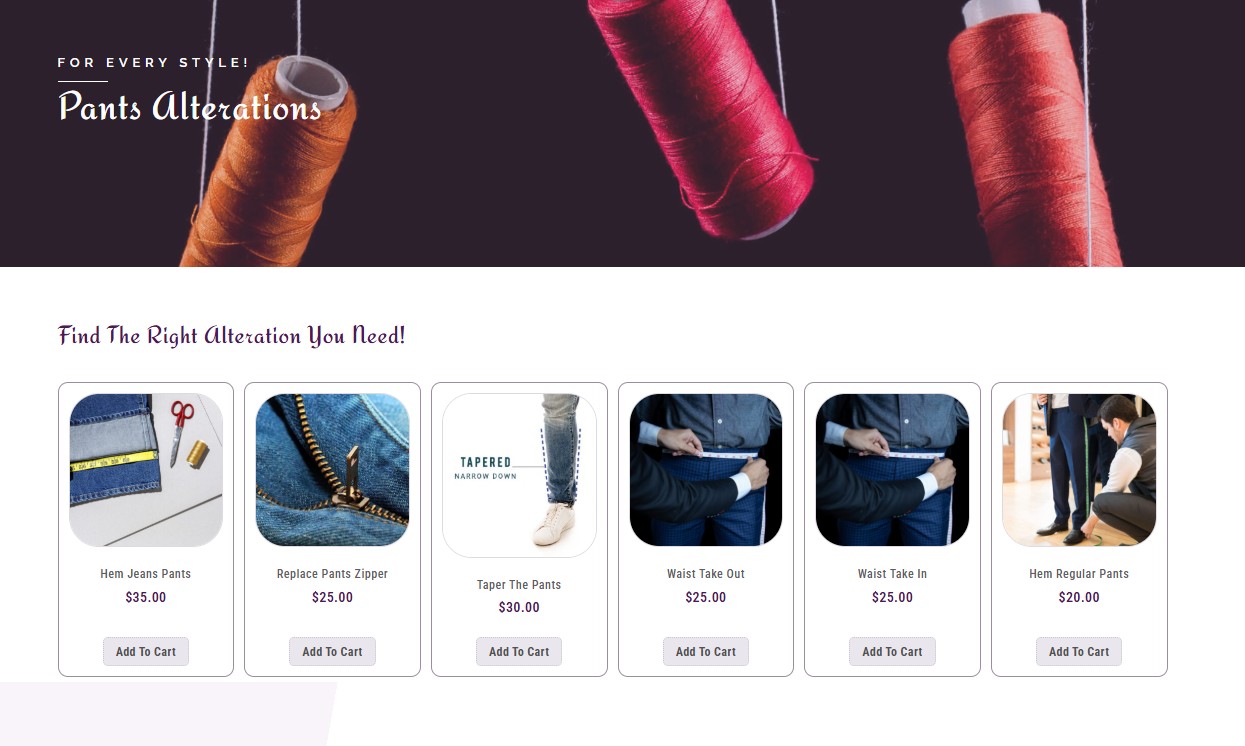
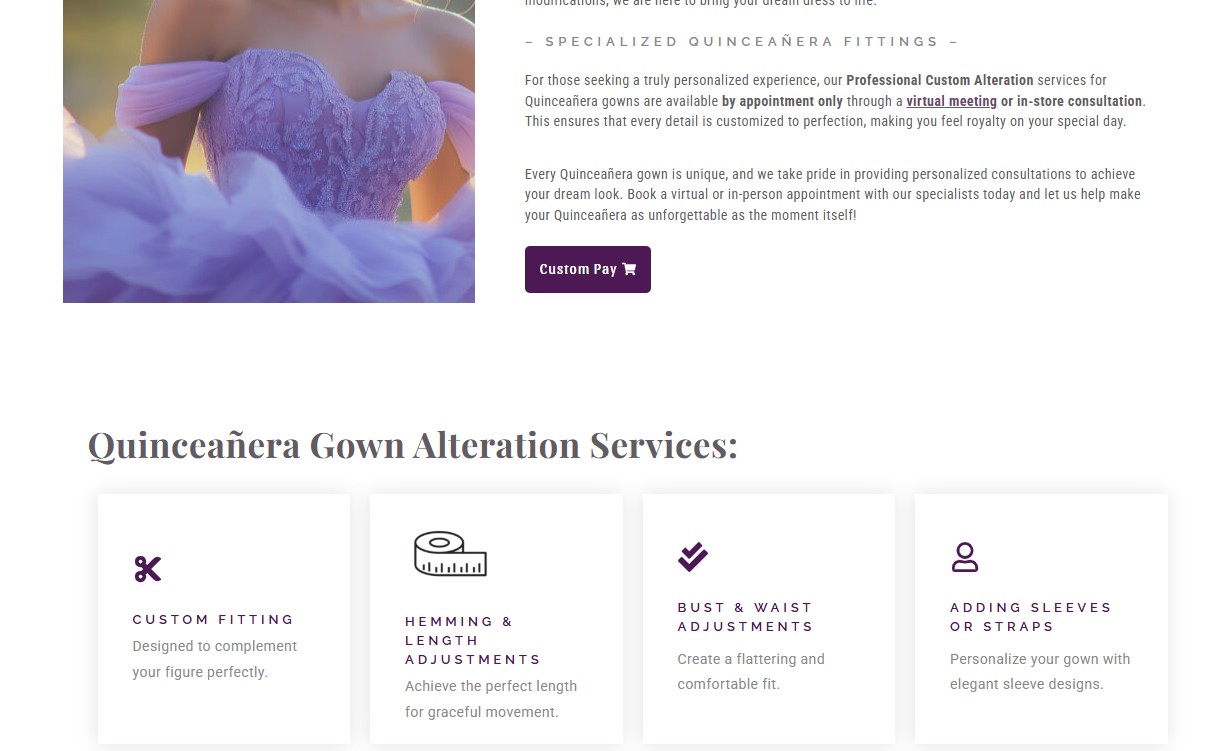
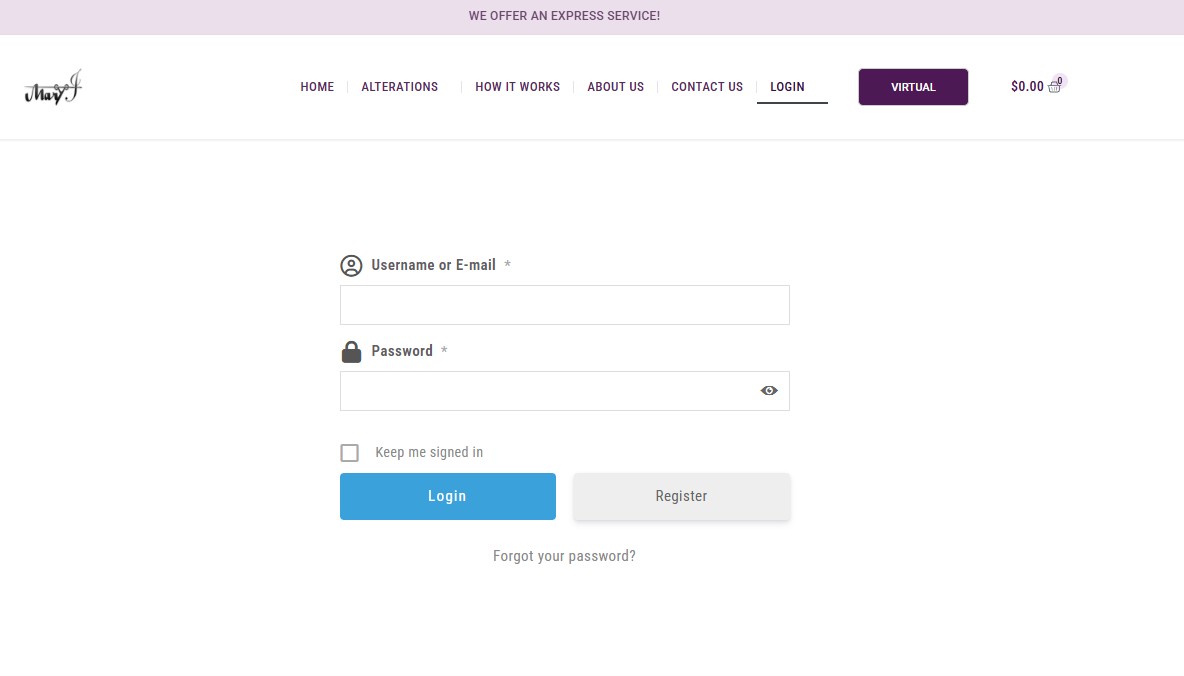
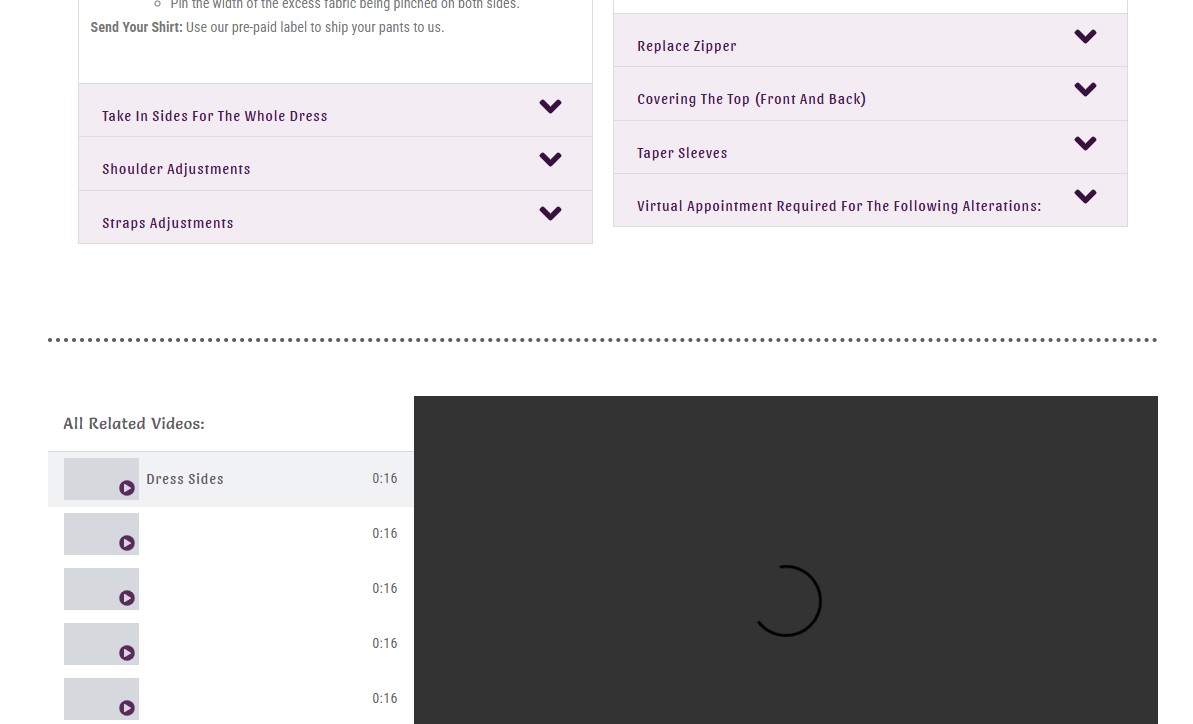
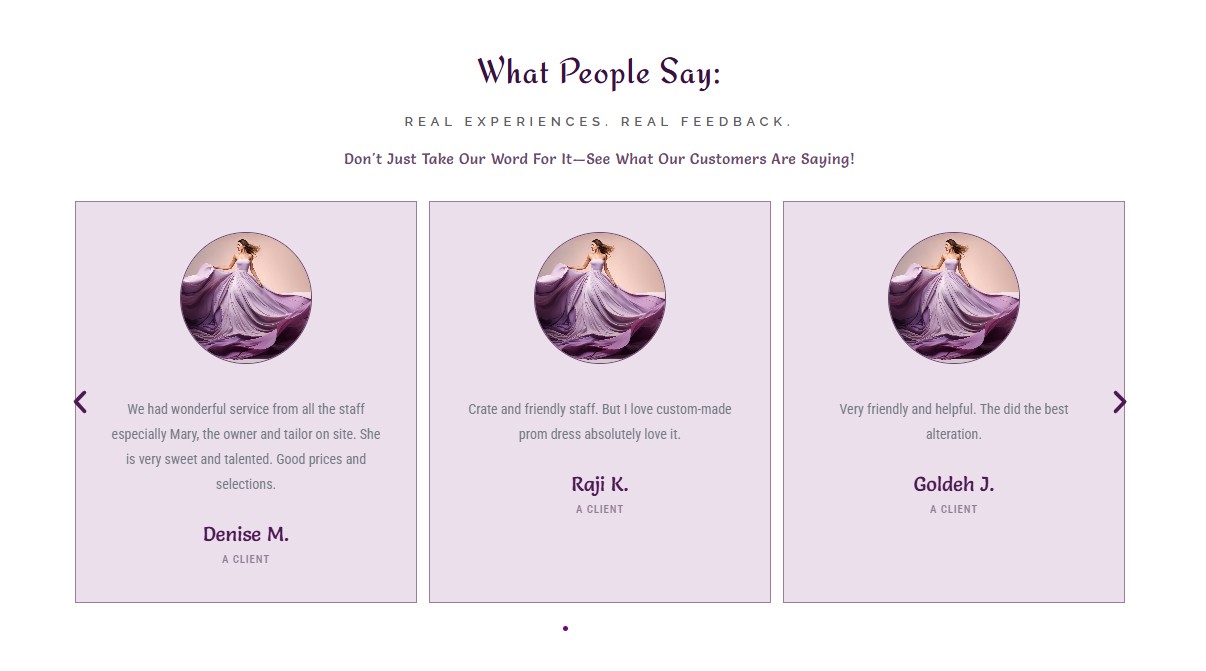
Designed and developed the Easy Alter website from scratch, creating the visual identity, page structure, user experience, and responsive layouts from the ground up.
The goal was to create a professional, easy-to-navigate website that clearly communicates the services while making it simple for customers to understand what Easy Alter offers and take the next step.
I started by organizing the content and defining the website structure. I then developed the visual direction, designed the page layouts, and created a responsive experience for desktop, tablet, and mobile.
Created a professional, user-friendly website from the ground up that gives Easy Alter a clear digital presence and makes it easier for customers to understand the services and connect with the business.
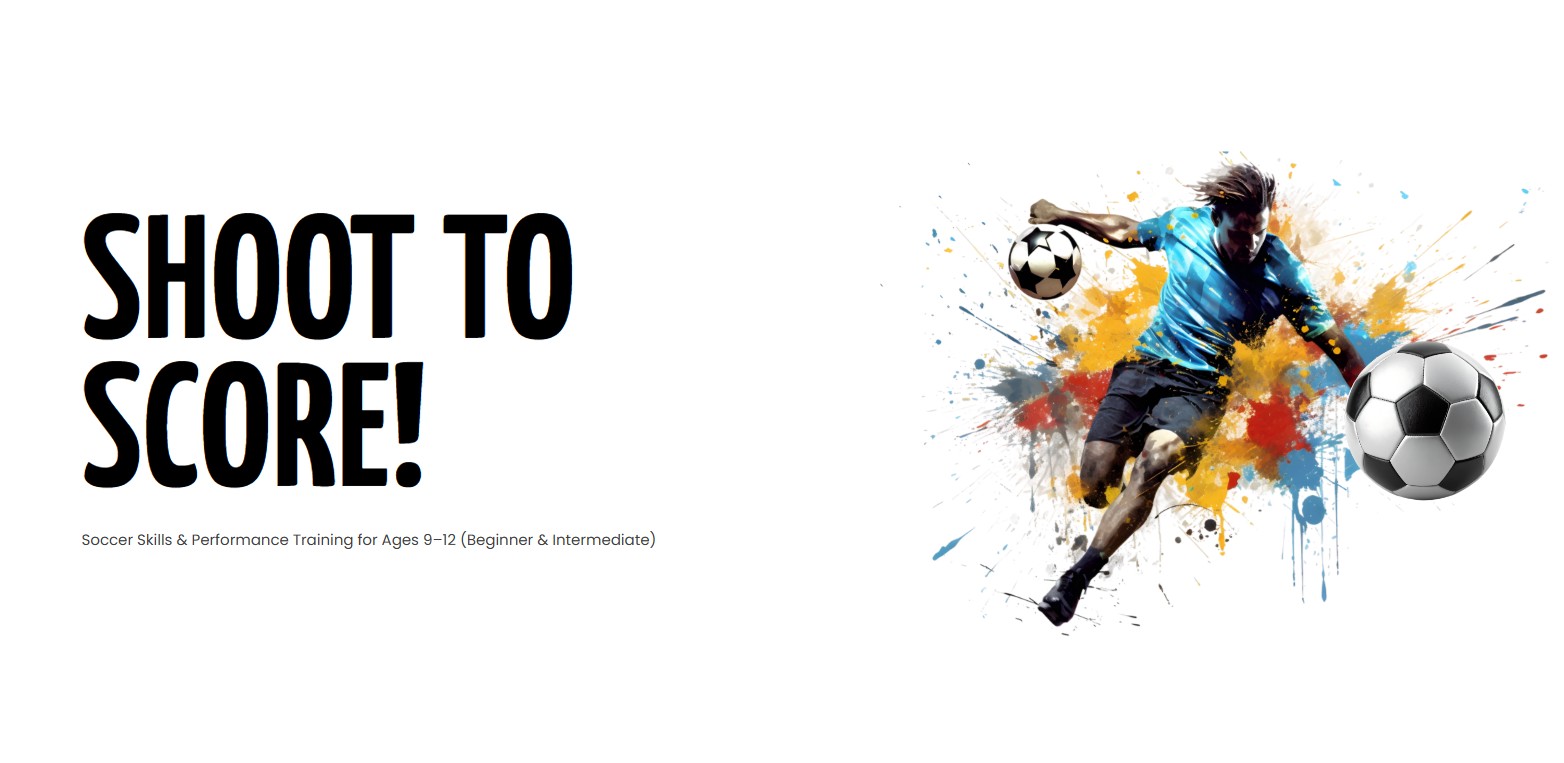
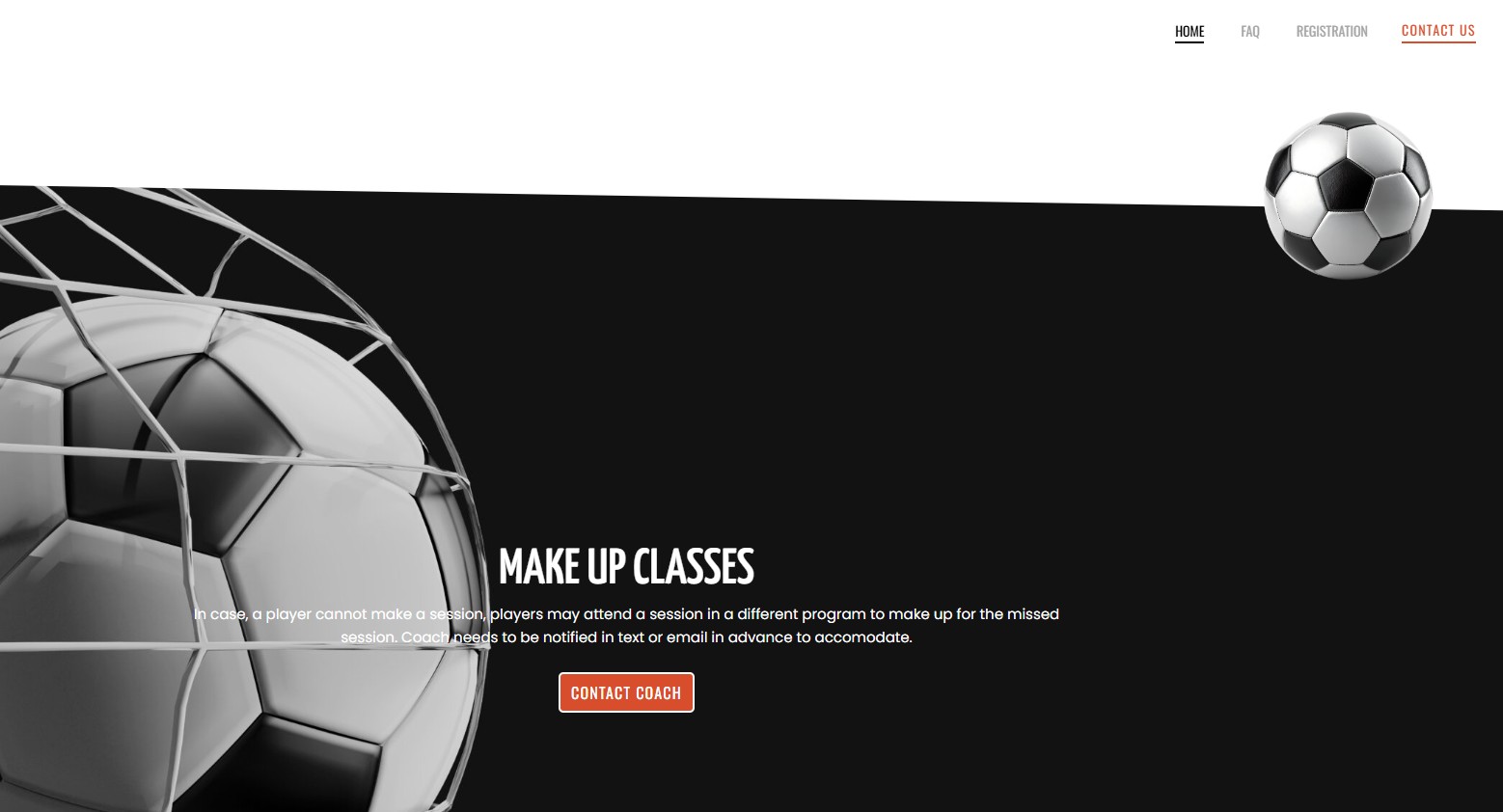
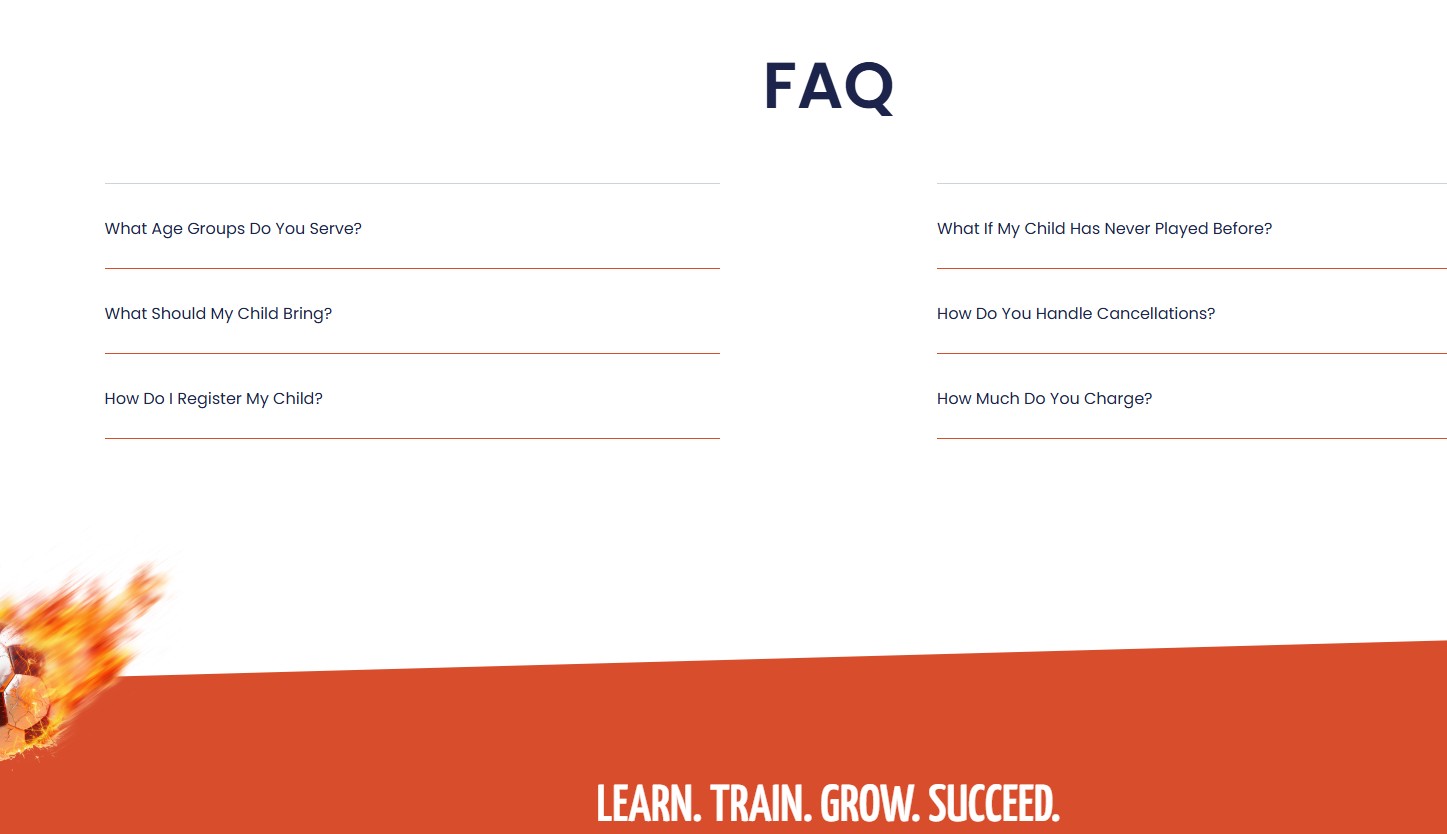
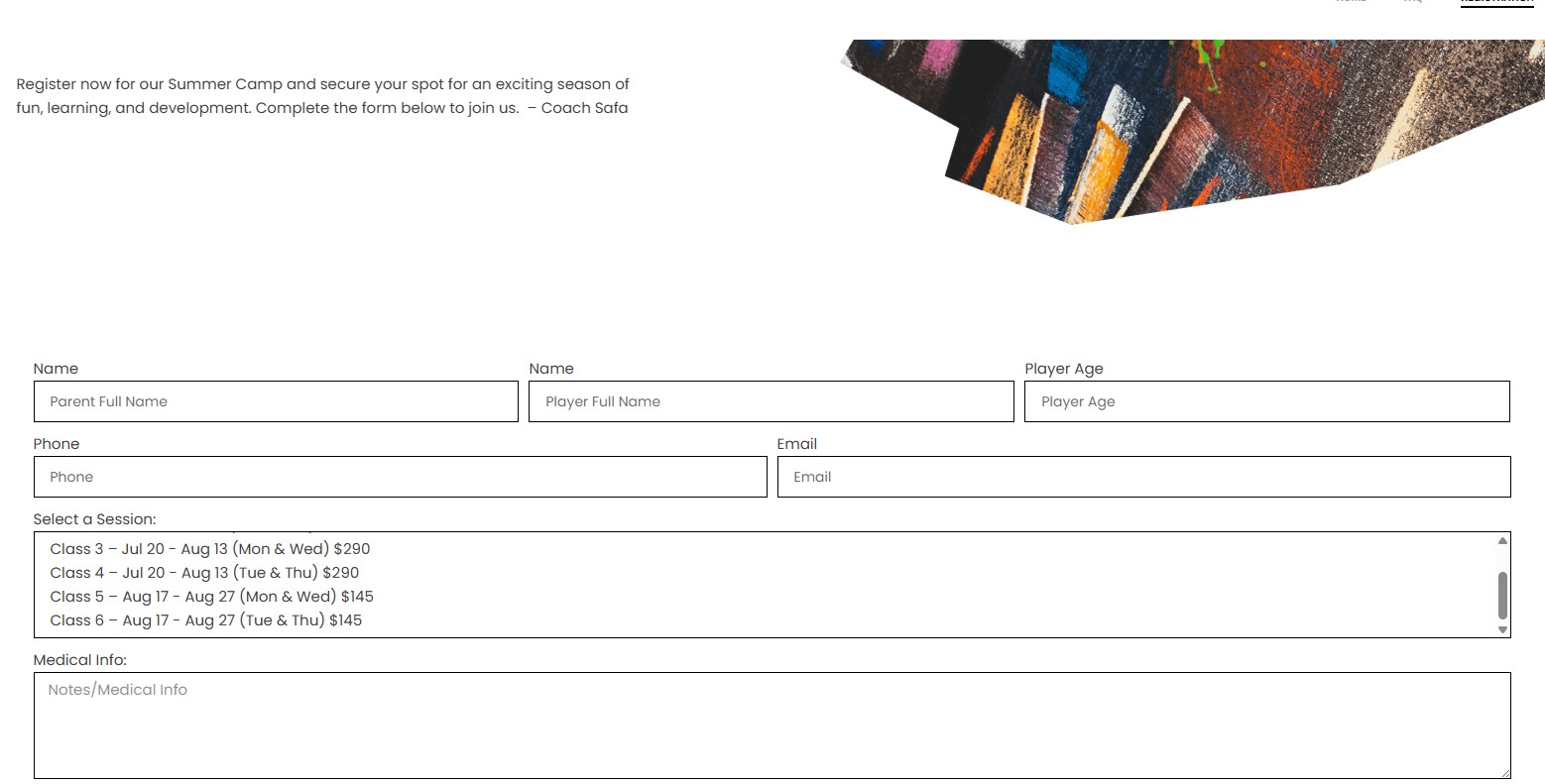
Designing a Website That Turns Information Into Action! I designed and developed a website for a youth soccer training program, creating an online experience that allowed parents to learn about the programs, understand pricing and schedules, register their children, and complete payment online.
The goal was to make it easy for parents to understand the programs, schedules, pricing, and registration process.
I organized the content around the parent’s journey—from learning about the program to registering and completing payment. I focused on clear navigation, strong visual hierarchy, and mobile-friendly layouts.
Created a simple, professional, and user-friendly experience that made it easier for parents to understand the program and complete registration.
Project Type: AI-Assisted Design • Graphic Design • Creative Workflow
Role: Creative Designer
Tools: Adobe Creative Suite • Figma • ChatGPT • Gemini • Generative AI
I incorporated AI-assisted tools into my creative workflow to accelerate ideation, content development, image exploration, and design production while maintaining professional creative direction.
Modern design projects often require designers to produce more creative variations in less time.
The challenge is not simply generating content—it is knowing what to create, what to keep, what to refine, and how to make it work within the brand.
I use AI as a creative assistant rather than a replacement for design thinking.
My workflow typically includes:
01 — Concept Development
Use AI to explore creative directions, themes, messaging, and visual possibilities.
02 — Content Development
Generate and refine initial copy ideas, headlines, descriptions, and campaign concepts.
03 — Visual Exploration
Explore image concepts and creative directions before developing the final design.
04 — Design Refinement
Bring selected concepts into Adobe Creative Suite or Figma for professional refinement.
05 — Human Creative Direction
Review every result for:
AI allows me to explore more creative directions and work more efficiently while keeping the final creative decisions grounded in professional design principles.
Kirkland, WA
98033
(425) 577-3111
maryamfadaee40@gmail.com
© 2025 Soft Visual Design.